Apna Ghar Portal Not Working? Fix Errors Easily
The Apna Ghar Apni Chhat Scheme 2026 launched by the Punjab Government has attracted massive attention across Pakistan. Thousands of applicants are trying to apply, check eligibility, or track their application status daily. However, many users are currently facing issues like portal not working, login errors, CNIC verification problems, and application status not showing.
If you are also struggling with the Apna Ghar portal, don’t worry—this complete guide will help you understand the problems and fix them.
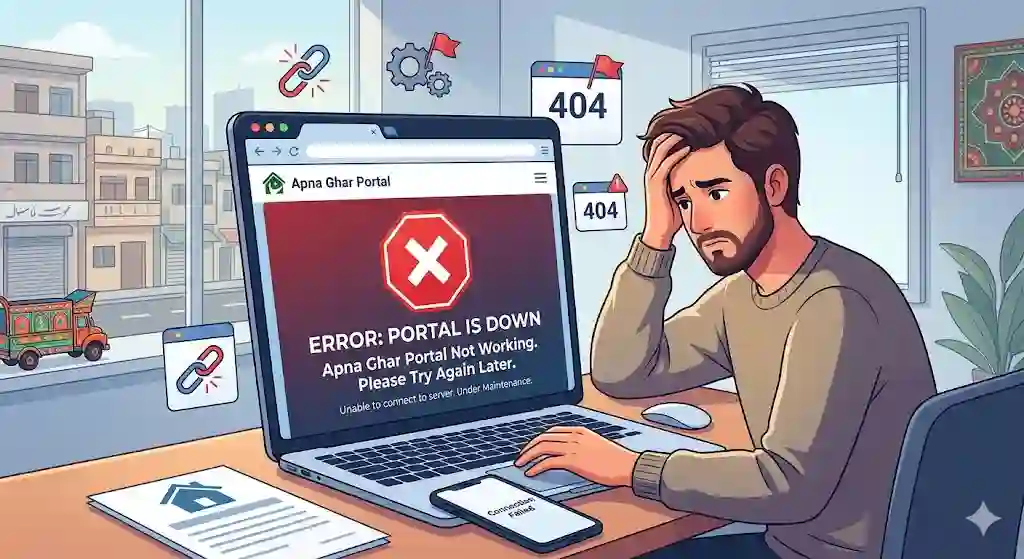
Apna Ghar Portal Not Working – Common Problems in 2026
Many users have reported that the Apna Ghar Apni Chhat portal is either slow or completely down. Here are the most common issues:
1. Website Not Opening
- The official website may not load due to heavy traffic
- Server overload is common during peak hours
2. Login Issues
- Users cannot log in after registration
- Password or CNIC mismatch errors
3. Application Status Not Showing
- Status remains “Pending” for a long time
- CNIC check not working
4. Form Submission Errors
- Application form fails to submit
- Page refresh resets entered data
5. Eligibility Check Failure
- PMT score not loading
- System shows “Not Eligible” without explanation
Is Apna Ghar Scheme Suspended in Pakistan?
Many people are asking: “Is Mera Pakistan Mera Ghar or Apna Ghar Scheme suspended?”
👉 The answer is NO (as of 2026)
The scheme is not suspended, but due to:
- High number of applications
- System upgrades
- Technical maintenance
the portal may temporarily stop working.
The Punjab Government is still actively processing applications.
Apna Ghar Apni Chhat Helpline Number (2026)
If you are facing issues, you can contact the official helpline:
Official Helpline:
- 0800-09100 (Apna Ghar Scheme Helpline)
Maryam Nawaz Complaint Helpline:
- 1000
You can call these numbers to:
- Report portal issues
- Check application status
- Get eligibility guidance
- File complaints
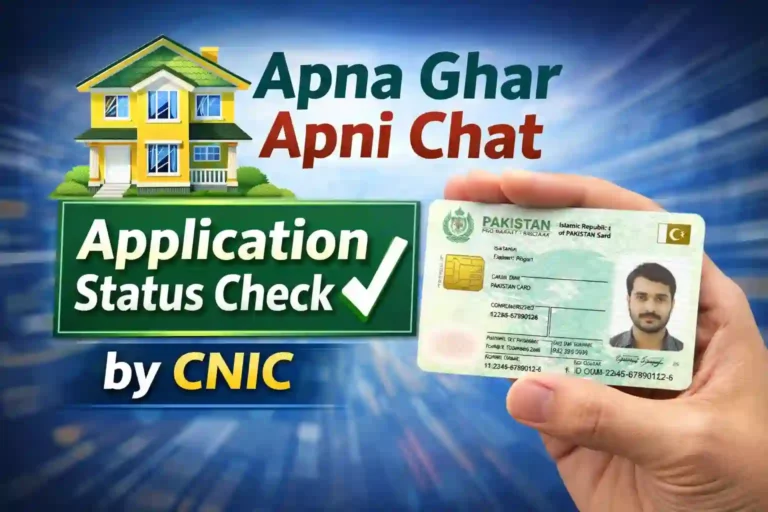
How to Check Apna Ghar Application Status by CNIC
Checking your application status is simple. Follow these steps:
Step-by-Step Guide:
- Visit the official portal: acag.punjab.gov.pk
- Click on “Application Status”
- Enter your CNIC number
- Click Check Status
Possible Status Results:
- Pending – Application under review
- Approved – Eligible for scheme
- Rejected – Not eligible
- Incomplete – Missing information
👉 If status is not showing, try again during non-peak hours.
Apna Ghar Scheme Online Registration Form – How to Apply
If you haven’t applied yet, follow this process:
Registration Steps:
- Go to official portal
- Click Register/Login
- Enter:
- CNIC number
- Mobile number
- Password
- Fill the application form
- Submit required details:
- Income details
- Family information
- Property status
- Submit application
Apni Chhat Apna Ghar Login Registration Issues – Fix Guide
If login is not working, try these solutions:
Fix 1: Clear Browser Cache
- Clear cookies and cache
- Reload the website
Fix 2: Use Different Browser
- Try Chrome, Edge, or Firefox
Fix 3: Reset Password
- Use “Forgot Password” option
Fix 4: Check Internet Connection
- Slow internet can cause login failure
Fix 5: Try Late Night Access
- Portal works better during low traffic hours
Apna Ghar Apni Chhat Eligibility Criteria 2026
Before applying, make sure you meet the eligibility criteria:
Key Requirements:
- Must be a resident of Punjab
- Must have valid CNIC
- Monthly income should be limited (as defined)
- Must not own a house
- PMT score should be within acceptable range
What is PMT Score in Apna Ghar Scheme?
PMT (Proxy Means Test) score determines your eligibility.
Important Points:
- Lower PMT score = Higher chance of approval
- Based on:
- Income
- Assets
- Household size
👉 If your PMT score is high, your application may be rejected.
ACAG Punjab Gov PK List – What Does It Mean?
The ACAG Punjab list includes:
- Approved applicants
- Eligible candidates
- Waiting list
You can check this list on the official portal once published.
Why Apna Ghar Portal is Slow or Down?
There are several reasons behind portal issues:
Heavy Traffic
Thousands of users access the site daily
Server Limitations
Government portals often have limited capacity
System Updates
Regular updates may temporarily disable access
Technical Bugs
New systems often face glitches
Tips to Fix Apna Ghar Portal Errors Quickly
Here are practical solutions:
- Access website early morning or late night
- Use stable internet connection
- Avoid multiple login attempts
- Keep CNIC details correct
- Use updated browser
Apna Ghar Scheme 2026 – Latest Updates
- Government is expanding the program
- More applicants are being shortlisted
- System improvements are ongoing
- Helpline services are active
Frequently Asked Questions (FAQs)
Q1: Is Apna Ghar Portal Down Today?
It may be temporarily down due to heavy traffic or maintenance.
Q2: What is the Helpline Number of Apna Ghar Scheme?
The official helpline is 0800-09100.
Q3: What is Maryam Nawaz 1000 Helpline?
Dial 1000 to register complaints or get assistance.
Q4: How to Check Application Status by CNIC?
Visit the portal and enter your CNIC in the status section.
Q5: Why is My Application Still Pending?
Due to high volume, applications take time to process.
Apna Ghar Portal Not Final Words
The Apna Ghar Apni Chhat Scheme 2026 is a great initiative by the Punjab Government to provide affordable housing. While the portal issues can be frustrating, they are mostly temporary and caused by high demand.